Who should read this article: Administrators
The Start node is the first node in any workflow in Workflow builder.
Introduction
In Workflow builder, every workflow must begin with a Start node. It is the entry point into the workflow for interactions on the numbers or channels assigned to the workflow.
Connections
The Start node supports 0 input connections and 1 output connection.
Using the Start node
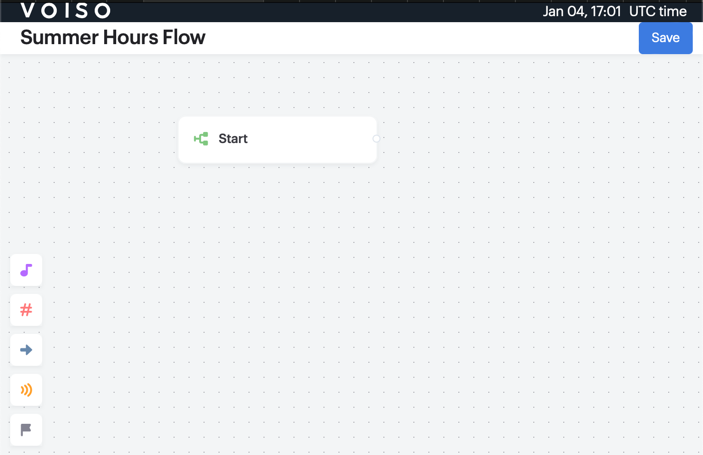
When you launch Workflow builder from the Edit workflow page, it opens in a new browser tab. The workflow is blank except for the Start node and the Node palette.
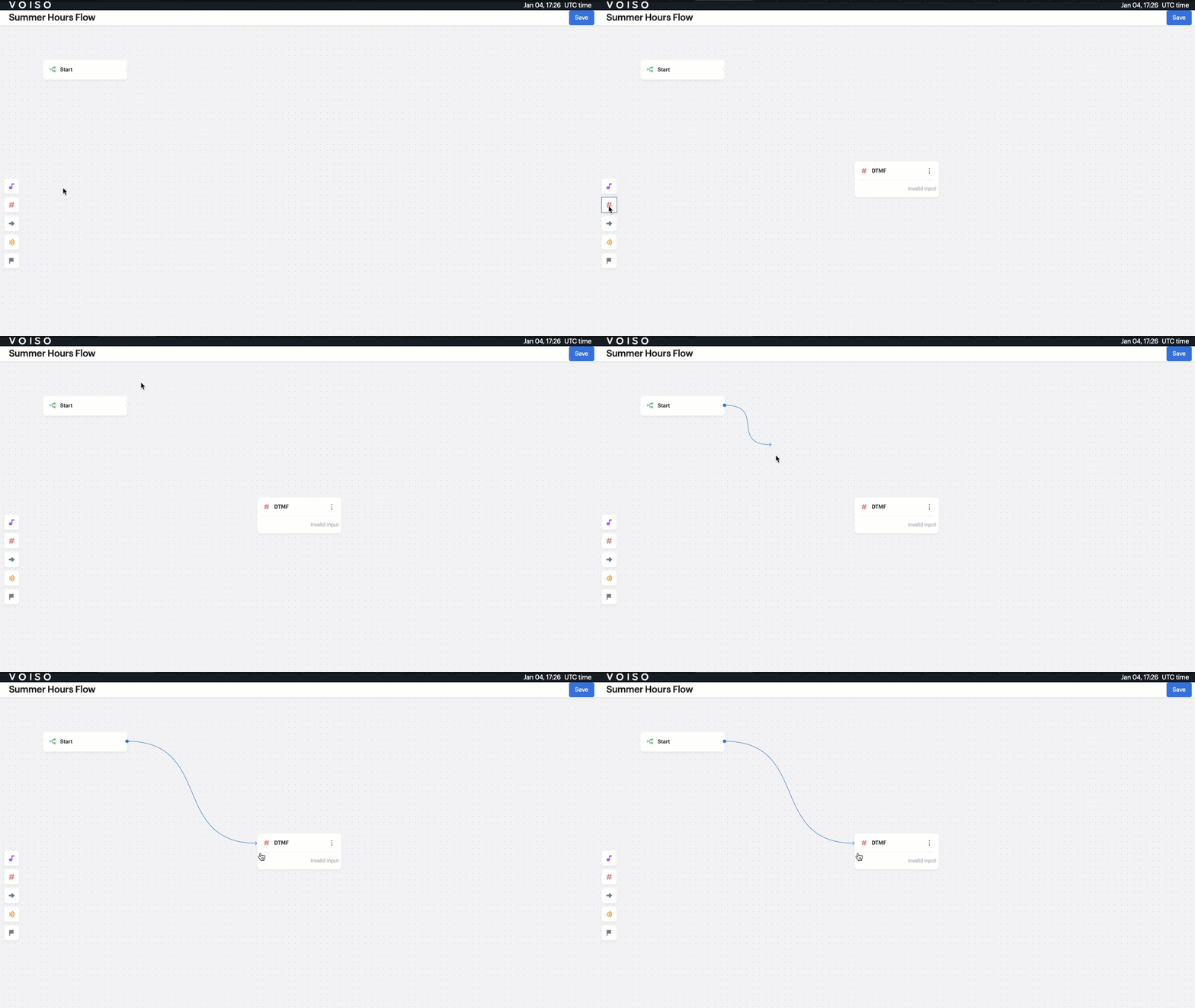
Click a node icon from the Node palette to add a new node to the workflow. Drag a link from the Start node to make your first connection.